Log in to Sage Intacct Paperless
For new users who have never logged in to the Sage Intacct Paperless system, see New User Login.
For existing users, access the Sage Intacct Paperless website. The following Sage Intacct Paperless login dialog displays:
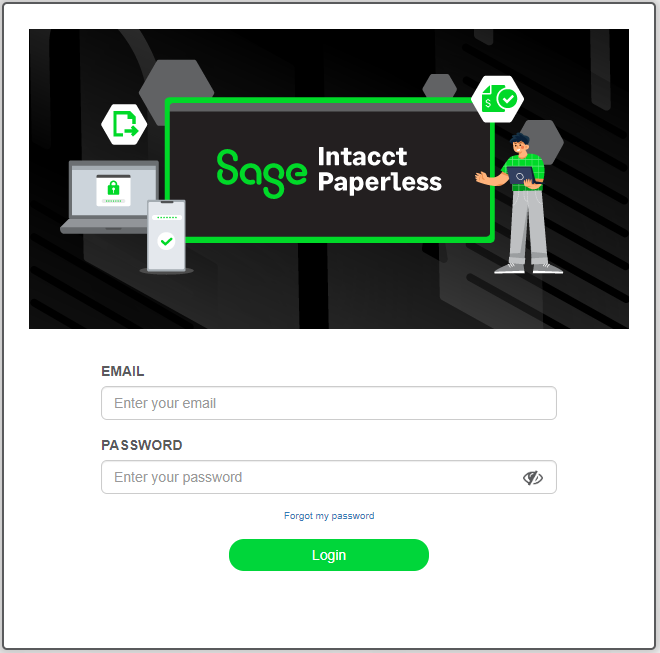 |
Enter your email address in the EMAIL field.
Enter your password in the PASSWORD field.
Click .
You are now logged in to Sage Intacct Paperless. If you need to change your password, see Change Password.
Important
If you encounter any of the following messages, contact your system administrator to avoid losing access:
"License limit exceeded"
"Subscription expired"