Log out of Sage Intacct Paperless
Complete the following steps to log out of Sage Intacct Paperless:
Click the My Account
 icon in the upper right.
From the dropdown, click .
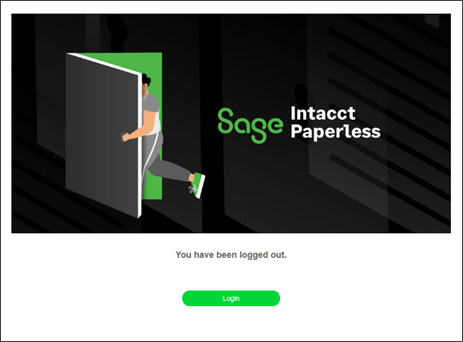
When you see the image below, you have successfully logged out of the Sage Intacct Paperless system:
 |